


Starter
One channel
$79/month
or $65.83/month paid yearly
- $0.72 per minute of video
- 110 minutes of finished video a month
- 1 video rendering at a time
- 3 presenters of your own
- 1 seat
- Extra minutes at $0.89 each
Paste a script. A presenter who looks real reads it in your voice, and Presenter.video hands back the finished 1080p video.
Unedited outputs: a script went in, and this came out. Press play to watch with sound.
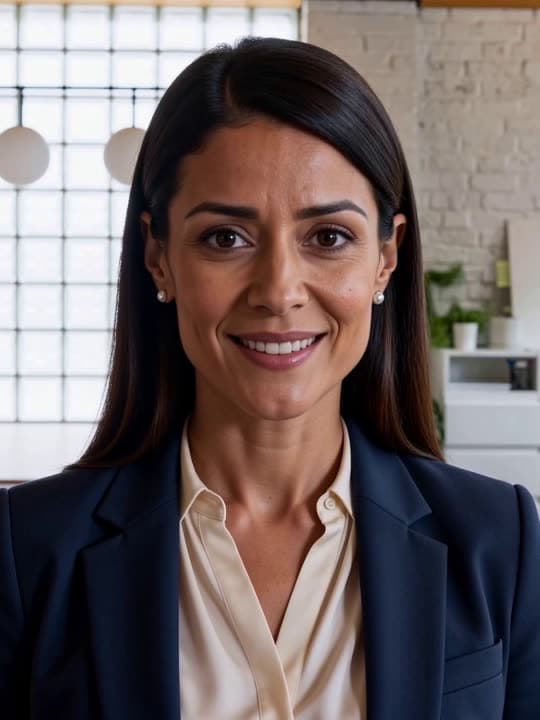
Presented by Liza0:26

Presented by Dante0:15

Presented by Saoirse0:24
Presented by Dante0:16
Set up a presenter, paste a script, download the video. The work in between is ours.
Pick one of our presenters, or upload one clear photo and a short voice recording. Your presenter looks like the photo, speaks like the recording, and is reused in every video after that.
Anything from 30 to 6,000 words. Before you start you see the estimated length and the minutes it will use: about 150 words is one minute of video.
A 1080p MP4, cut and ready to upload. Narration, presenter, visuals, motion, transitions and sound are already in it. No editor, no timeline, no second pass.
Each video comes back complete. You are not handed a talking head to finish in an editor.



Lips, head and eyes move with every word, so viewers see someone presenting, not a photo with a mouth pasted on.
Narration is spoken in a clone of the voice you recorded. Prefer not to use yours? Pick a ready-made voice.
Minutes are held from the word count and settled to the real length. A failed render costs nothing.
Each line of the script gets its own visual, made from what it says. Key moments become short motion clips.
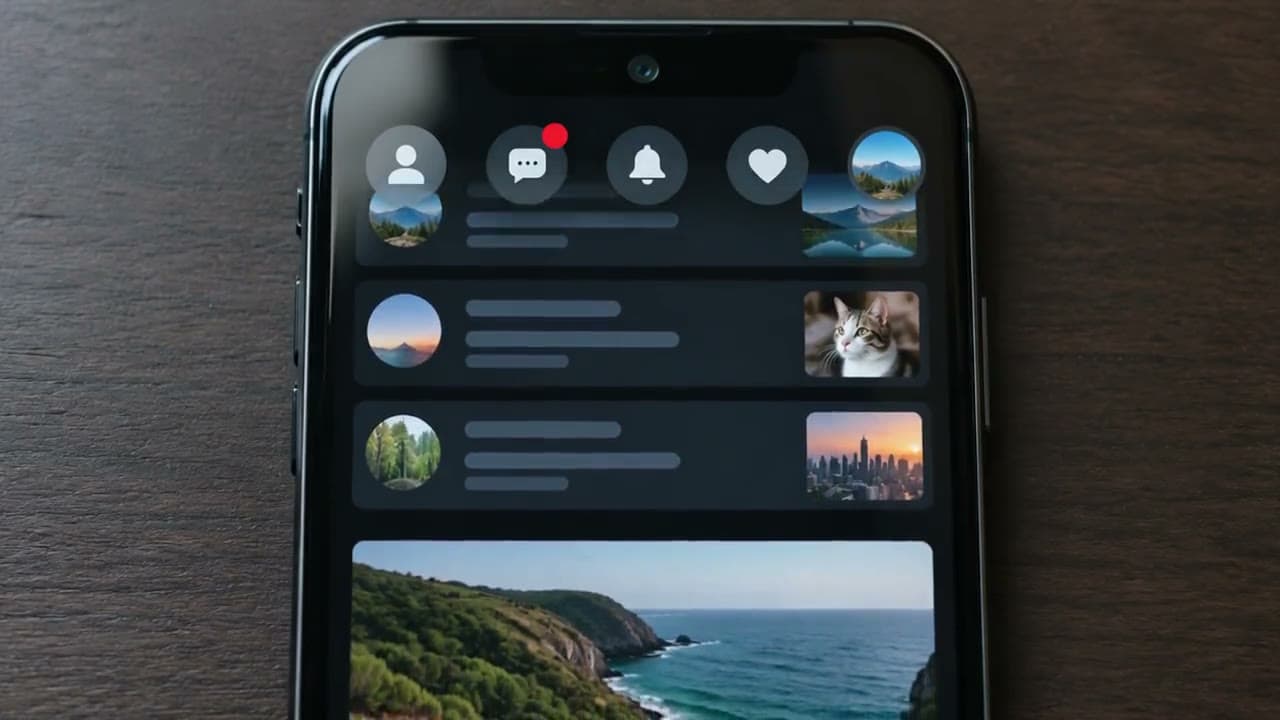
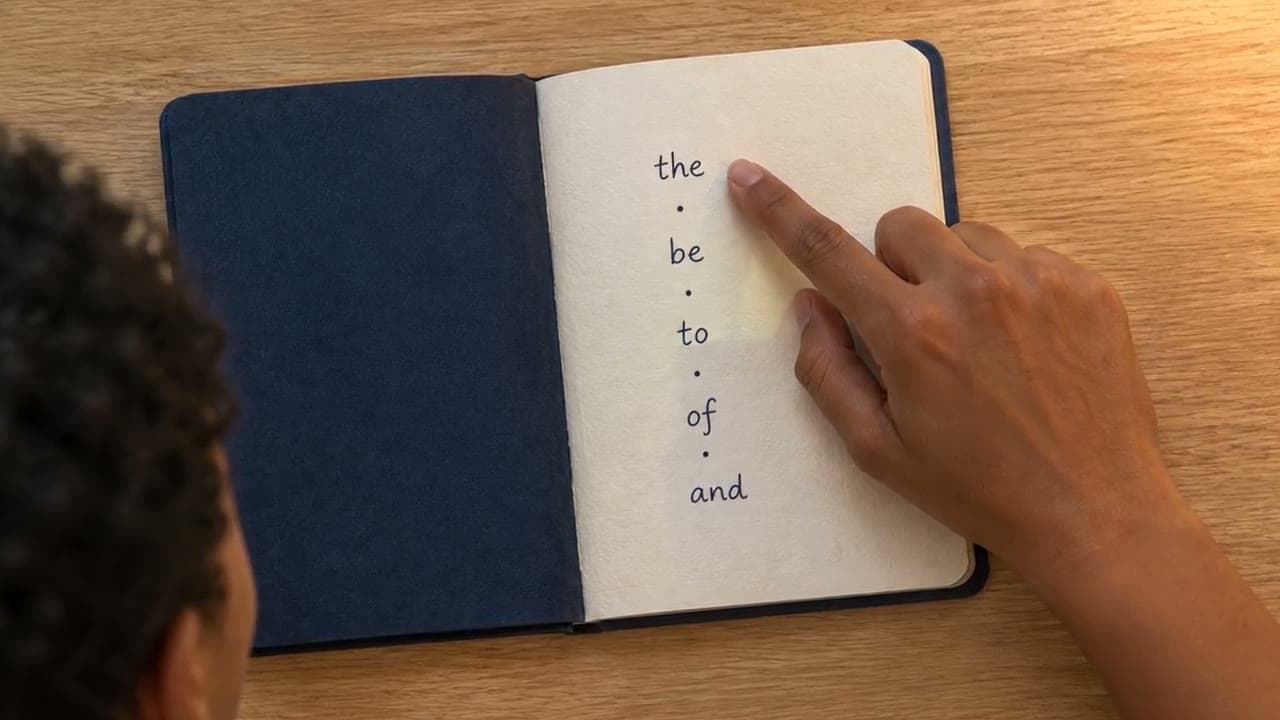

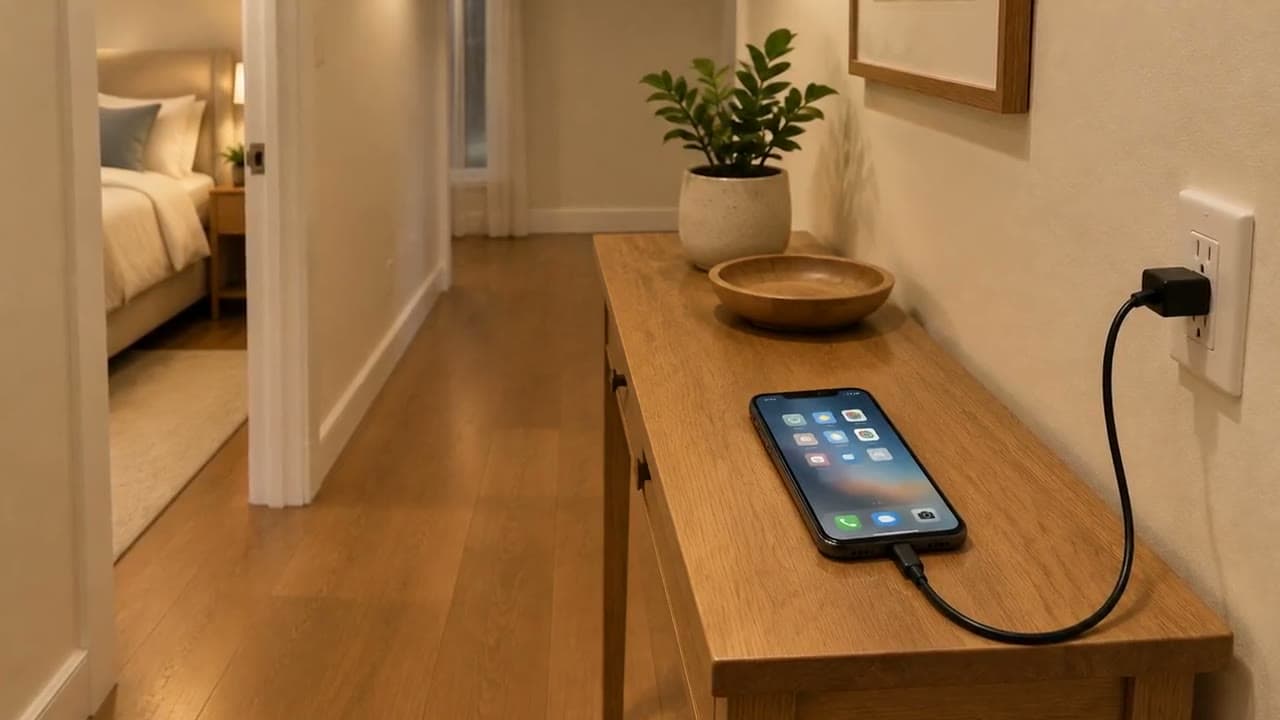
Larger plans make several videos at once. Queue a week of uploads and come back to finished files.
Pick one from the library at no extra cost, or upload one clear photo and a short recording to present every video yourself.
Plans come with minutes of finished video each month. Bigger plans cost less per minute and render more videos at once.
One channel
A few channels, or daily uploads
A small studio
Something else? Write to support@presenter.video.
A clear, front-facing photo of your presenter, a short clean recording of their voice, and a script. The photo and voice are set up once; after that every video only needs the script. Or skip the setup and use a library presenter.
Plan on roughly four times the video's length. A 5-minute video takes about 20 minutes, a 10-minute one about 40. You can close the tab: it keeps going and waits for you in your library.
Minutes of finished video, nothing else. When you start a video we hold an estimate from the word count (150 words a minute). When it finishes we settle to the real length and return anything held over it.
It costs you nothing. Every minute held for that video goes back to your balance, and you can start it again.
Yes, that is the most common setup. You can also use someone else's face or voice if you have their clear permission and the rights to use their likeness. Presenting a real person who has not agreed to it is not allowed.
It depends on your plan, from a handful on the smallest plan to many on the largest. Each plan's count is listed on the pricing page.
Between 30 and 6,000 words, which is under a minute up to about 40 minutes of video. For longer videos, split the script into parts.
An MP4 file at 1920×1080, 16:9, 25 frames per second, with narration and sound mixed in. It is ready to upload to YouTube as it is.
Yes. The videos are yours to publish and earn from, provided the script is yours to use and you have the rights to the face and voice of your presenter.
Anyone can create an account. We approve new channels in small groups, and once you are approved an admin adds your plan's minutes. Card payments open after the beta.

Set up your presenter once, then turn the scripts you already have into finished videos.
A frame from “The old stone bridge”, made with Presenter.video.